How to Use AI for Competitor Research While Browsing the Web
September 16, 2026
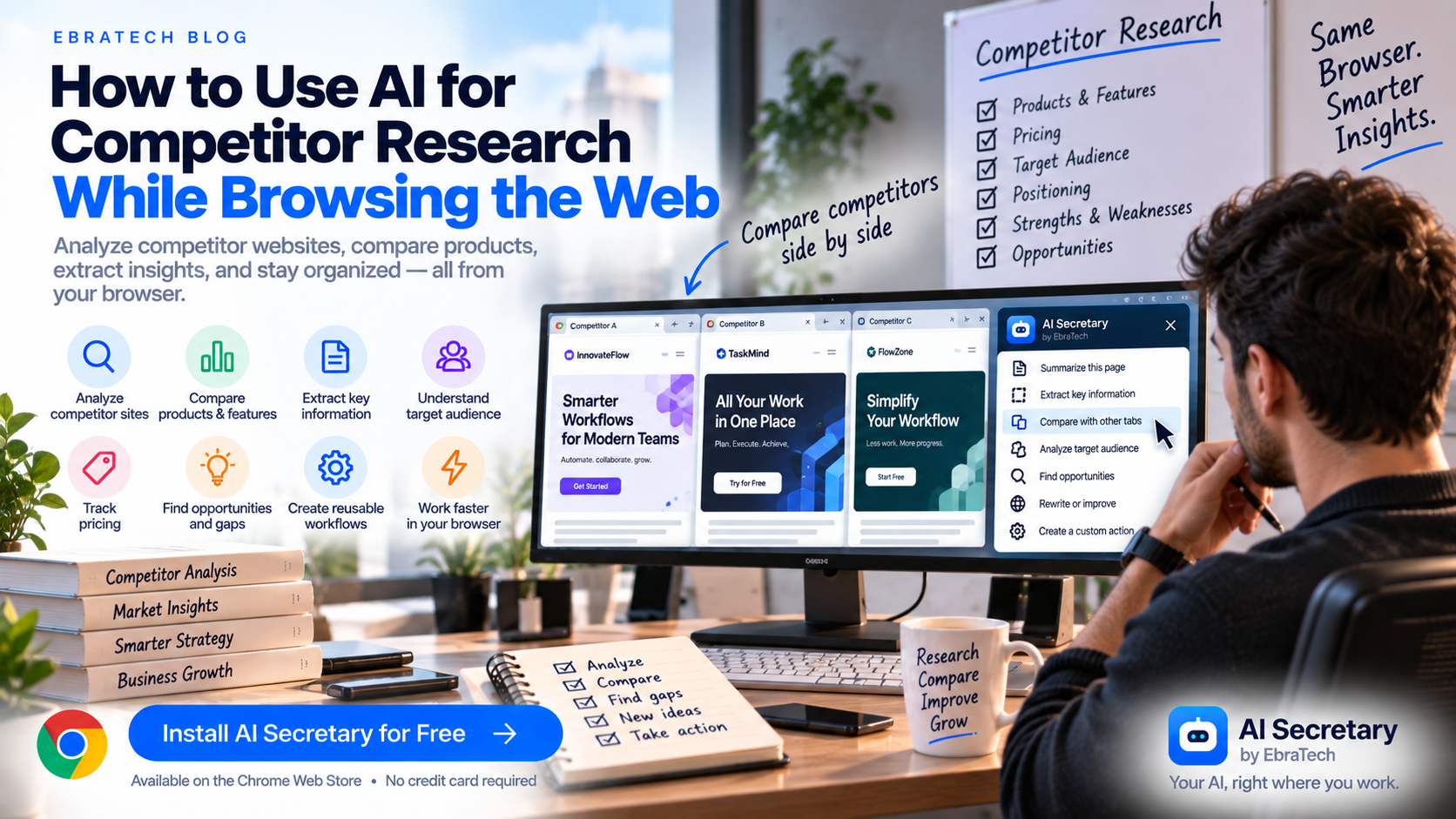
How to Use AI for Competitor Research While Browsing the Web
Competitor research used to mean opening dozens of websites, taking notes, copying information into spreadsheets, and manually comparing what different companies offer.
AI can make this process much faster.
But there is still a problem with many AI workflows: your research is happening in the browser while your AI conversation is happening somewhere else.
You find a competitor's website, switch to ChatGPT, copy information, paste it, write a prompt, return to the website, open another competitor, and repeat the process.
If you research competitors regularly, this constant switching can become one of the biggest sources of wasted time.
A better approach is to bring AI closer to the information you are already researching.
Stop switching tabs to use AI.
In this guide, you will learn how to use AI for competitor research, how to analyze competitor websites, how to compare several companies, how to extract useful information from webpages, how to create reusable research prompts, and how a browser AI productivity tool such as AI Secretary by EbraTech can help simplify the workflow.
Why Use AI for Competitor Research?
Competitor research involves collecting and analyzing information from many different sources.
You may want to understand:
- What products competitors offer
- Who they target
- How they position themselves
- What features they promote
- How they describe their products
- What pricing they advertise
- What problems they claim to solve
- What makes their offering different
- What content they publish
- What customers they appear to target
Collecting this information manually can take hours.
AI can help organize the information, identify patterns, summarize webpages, extract specific details, and generate questions for further research.
The goal is not to let AI make your business decisions for you.
The goal is to reduce the repetitive work involved in gathering and organizing information so you can spend more time thinking about what the information means.
Start With a Clear Competitor Research Question
Before opening an AI tool, define what you are trying to discover.
“Research my competitors” is too broad.
A more useful research question might be:
“How do these competitors position their products for small businesses?”
Or:
“What features do competing products emphasize that our product does not currently promote?”
Or:
“Compare the pricing structures and main product benefits of these competitors.”
A specific objective gives your AI workflow a clear direction.
What Information Should You Collect From a Competitor Website?
A competitor's homepage can contain a surprising amount of useful information.
You can ask AI to identify:
- Company name
- Primary product or service
- Target audience
- Main customer problem
- Value proposition
- Key features
- Pricing
- Plans
- Integrations
- Industries served
- Main calls to action
- Important claims
- Unique positioning
You do not need to ask for all of this every time.
Choose the information that is relevant to your research goal.
Use AI to Summarize a Competitor Website
A simple first step is to ask AI for a structured summary.
Instead of:
“Summarize this website.”
Try:
“Analyze this competitor website. Identify the target audience, primary product, main problem being solved, key features, value proposition, pricing information, and main call to action.”
A structured prompt makes it easier to compare the result with other competitors later.
Analyze the Competitor's Value Proposition
The first few sections of a website often explain why the company believes customers should choose its product or service.
Ask AI:
“What is this company's main value proposition? Explain what problem they are promising to solve and who they appear to be targeting.”
You can then compare the answer with your own positioning.
This can help you understand how different companies communicate similar products to different audiences.
Find the Competitor's Target Customer
Not every competitor is targeting exactly the same customer.
One company might focus on large enterprises.
Another might focus on freelancers.
Another might focus on developers or marketing teams.
Ask AI:
“Based only on the information on this webpage, who appears to be the target customer? List the evidence supporting your answer.”
This last part is important.
Rather than asking AI to invent a customer profile, ask it to connect its interpretation to information actually present on the webpage.
Extract Competitor Features With AI
Feature research becomes easier when information is extracted into a consistent format.
For example, you can ask:
“Extract the major product features mentioned on this webpage and organize them into categories.”
For software products, useful categories might include:
- AI features
- Automation
- Integrations
- Collaboration
- Analytics
- Customization
- Security
- Workflow features
The categories should depend on the industry you are researching.
Analyze Competitor Pricing Pages
Pricing pages are particularly useful for competitive research.
You can ask AI to extract:
- Plan names
- Prices
- Billing frequency
- Usage limits
- Major features
- Free plans
- Free trials
- Enterprise options
- Important restrictions
A useful prompt is:
“Extract the pricing plans from this page. For each plan, list the price, billing period, major included features, important limitations, and intended customer.”
Always verify pricing directly on the source website because pricing can change.
Compare Competitor Websites
After collecting information from several competitors, AI can help organize the findings.
You might compare companies based on:
- Target audience
- Pricing
- Features
- Positioning
- Integrations
- Free plan
- Trial
- Main use cases
- Marketing message
A useful prompt is:
“Compare these competitors based on target customer, core problem solved, key features, pricing model, positioning, and notable differences. Clearly separate information directly stated by the sources from your interpretation.”
Use Selected Text for Focused Competitor Analysis
You do not always need to analyze an entire website.
Sometimes a specific section contains exactly what you need.
For example, you may be interested in a competitor's pricing explanation, feature list, or product description.
Select the relevant text and ask AI:
“Analyze this section and identify the main benefits this company is communicating to potential customers.”
Or:
“Extract every specific product capability mentioned in this text.”
Or:
“Rewrite these competitor claims as neutral research notes.”
Using selected text can keep the AI task focused on the information that matters.
Research Several Competitors Without Losing Context
One competitor rarely tells you the whole story.
You may need to examine five, ten, or even more companies.
That creates a common problem: information becomes scattered across browser tabs, notes, documents, and AI conversations.
A more organized workflow is to use consistent questions for every competitor.
For example:
- Who is the target customer?
- What problem do they solve?
- What are their main features?
- How do they describe their product?
- How much does it cost?
- What free option do they offer?
- What integrations do they promote?
- What makes their positioning different?
- What questions remain unanswered?
Using the same research framework makes later comparison much easier.
Use AI to Find Differences Between Competitors
Once information has been collected consistently, AI can help identify differences.
For example:
“Identify the major differences between these competitor offerings. Focus on features, target audience, pricing, workflow, and positioning.”
This does not mean AI should decide which product is best.
Instead, it helps surface differences that you can investigate yourself.
Find Gaps in Your Competitor Research
AI can also help identify what you still do not know.
After reviewing a competitor website, ask:
“What important questions about this company cannot be answered from this webpage?”
This can produce a research checklist.
For example, you may discover that the homepage does not explain:
- Data retention
- Integration limitations
- Enterprise pricing
- Supported platforms
- Usage restrictions
- Customer support
You can then search specifically for those missing details.
Use AI to Generate Your Next Search
Good competitor research is iterative.
After analyzing one page, you may discover a question you had not considered.
Ask AI:
“Based on this competitor website, give me five specific searches I should perform next to understand this company better.”
This can turn one webpage into a research roadmap.
The workflow becomes:
Browse ? Analyze ? Find gaps ? Search ? Analyze again.
Analyze Competitor Content
Competitor research is not limited to products and pricing.
You can also investigate how competitors educate their audience.
Look at:
- Blog topics
- Guides
- Landing pages
- Product education
- Frequently asked questions
- Use cases
- Customer stories
Ask AI:
“Analyze the topics covered on this company's website and identify the customer problems their content appears to address.”
This can help you understand what questions your market is asking.
Use AI to Research Competitor Positioning
Two companies can offer similar products while communicating them very differently.
One might emphasize affordability.
Another might emphasize enterprise capabilities.
Another might emphasize simplicity.
Another might focus on automation.
AI can help you document these differences.
Try:
“Describe this company's positioning in one paragraph, then list the main themes they repeatedly emphasize.”
You can perform the same analysis for several competitors and compare the results.
Use AI to Research Competitors Before Launching a Product
Competitor research can be particularly useful before launching a new product.
Instead of asking only whether competitors exist, investigate how the market is currently being served.
Questions might include:
- What problems are already well served?
- What features appear common across products?
- What features appear uncommon?
- Which customer groups are being targeted?
- What pricing models are common?
- What complaints or limitations should be investigated?
- What terminology does the market use?
This can help inform product research and positioning without assuming that AI's interpretation is automatically correct.
Use AI for Competitor Research as a Marketer
Marketers can use browser-based AI workflows to analyze competitor messaging, landing pages, content topics, product descriptions, and customer-facing language.
For example:
“Analyze this competitor landing page from a marketing perspective. Identify the target audience, main pain point, value proposition, supporting claims, objections addressed, and calls to action.”
This creates structured research notes that can be compared with other companies.
Use AI for Competitor Research as a Sales Professional
Sales teams often need to understand both their own product and the alternatives a potential customer may be considering.
When researching a competitor, you can ask AI to extract:
- Core offering
- Target customers
- Key features
- Pricing information
- Integrations
- Important differentiators
- Questions to investigate further
This can make preparation more structured.
However, competitor information should be verified before being used in customer-facing communication.
Use AI for Competitor Research as a Founder
Founders often have to perform many different types of research themselves.
You may need to investigate competitors, potential customers, pricing, positioning, industry trends, and product features.
A browser-based AI workflow can reduce some of the repetitive work involved in gathering information.
Instead of treating every research task as a separate process, you can create reusable prompts and actions.
Create a Reusable Competitor Research Prompt
If you research competitors regularly, create a standard prompt.
For example:
“Analyze the provided webpage as a competitor research source. Extract the company or product name, target audience, main problem solved, value proposition, key features, pricing information, integrations, positioning, major claims, and unanswered questions. Do not invent information that is not present in the source.”
Using a consistent prompt makes your research more repeatable.
Turn the Prompt Into a Reusable Custom Action
Writing the same prompt repeatedly defeats part of the purpose of AI productivity.
If a task happens frequently, turn it into a reusable workflow.
For example, a custom action called Competitor Analysis could contain your preferred research instructions.
Then, when you visit another competitor website, you can reuse the workflow instead of rebuilding the prompt from scratch.
This is particularly useful for marketers, founders, sales professionals, consultants, researchers, and anyone who performs repeated web research.
AI Secretary by EbraTech for Browser-Based Competitor Research
AI Secretary by EbraTech is a lightweight Chrome/browser productivity extension designed to help users work with AI and web information directly from their browser.
AI Secretary is not an AI model.
It works alongside compatible AI services and provides a productivity layer for browser-based AI workflows.
This makes it useful for research tasks where your information already exists on webpages.
The basic idea is simple:
Browse ? Select ? Ask ? Analyze ? Act ? Share.
Use Webpage Context for Competitor Research
When researching a competitor, the webpage you are viewing is often the starting point for your analysis.
AI Secretary can work with browser context such as:
- Current webpage content
- Selected text
- Other open tabs
- Context files
This can reduce the need to repeatedly copy information into a separate AI conversation.
Analyze Selected Competitor Information
If you only need a specific part of a competitor's website, select the relevant text and use it as context.
For example, select a pricing section and ask AI to extract the plans.
Select a product description and ask AI to identify the main value proposition.
Select a feature list and ask AI to organize the capabilities into categories.
This focused approach can be faster than manually copying information from the webpage into another application.
Work With Multiple Open Tabs
Competitor research frequently involves several websites at the same time.
You may have one tab for each competitor, another for market research, another for documentation, and another for your own product.
Browser context can help make these sources part of a more connected workflow.
You can then ask questions such as:
“Compare the information available across these sources and identify the major differences.”
Always verify important findings against the original sources.
Use Custom Actions for Repeated Research
AI Secretary supports custom actions, allowing you to create reusable commands for tasks you perform frequently.
A competitor research action could be designed around your own research framework.
Another action could focus specifically on pricing.
Another could analyze landing pages.
Another could extract product features.
This allows you to build a small collection of repeatable AI workflows around your work.
Go From Research to Action
Competitor research is useful only when you can do something with the information.
After analyzing a competitor, you might want to:
- Search for additional information
- Compare another company
- Update research notes
- Prepare an internal report
- Write a customer email
- Share findings with a team
- Research a specific unanswered question
AI Secretary is designed to support more than a single AI conversation. It also provides workflows for web tools, communication, and other browser-based tasks.
This helps connect research with the next action you need to take.
Do Not Let AI Replace Your Research Judgment
AI can accelerate research, but it can also make mistakes.
A model may misunderstand a competitor's positioning, incorrectly interpret a feature, overlook a limitation, or confuse information from different sources.
For this reason, AI-generated competitor research should be treated as an assistant to your research process.
Important information should be checked against the original webpage or other reliable sources.
A good workflow is:
AI organizes ? You investigate ? You verify ? You decide.
Do Not Assume a Competitor's Website Tells the Whole Story
A company website represents how the company presents itself.
It does not necessarily tell you everything about the customer experience, product limitations, pricing negotiations, support quality, or actual market performance.
Use competitor websites as one source of information.
Then investigate other relevant sources when the decision requires deeper evidence.
Build a Competitor Research System Instead of Doing One-Off Searches
The biggest productivity improvement does not necessarily come from asking AI one clever question.
It comes from turning repeated research into a repeatable system.
A simple system could look like this:
- Create a standard competitor research framework.
- Create reusable AI prompts or custom actions.
- Open the competitor website.
- Use webpage context when appropriate.
- Select important sections when focused analysis is needed.
- Extract information into a consistent structure.
- Identify unanswered questions.
- Research those questions separately.
- Compare multiple competitors.
- Verify important information.
- Turn the findings into an action or decision.
Once this workflow is established, every new competitor can be analyzed using the same basic process.
Why Browser-Based AI Can Make Competitor Research Easier
The information you need is often already on your screen.
The challenge is moving that information into the right workflow.
Browser-based AI tools can reduce the distance between the webpage and the AI task.
Instead of thinking:
“I need to copy this into ChatGPT.”
You can think:
“I need AI to analyze what I am looking at.”
That is an important change in how AI can fit into everyday work.
Stop Switching Tabs to Use AI
Competitor research is only one example of a larger problem.
People increasingly use AI while browsing, but many workflows still require constant movement between the browser and an AI website.
You find information.
You copy it.
You switch tabs.
You paste it.
You write a prompt.
You return to the original webpage.
Then you repeat the entire process.
AI Secretary is designed to reduce this friction.
It brings browser context, selected text, AI workflows, custom actions, prompts, and useful web tools closer to where you already work.
Your AI, right where you work.
Try AI Secretary for Free
If competitor research is part of your work, you can use AI Secretary to build a more convenient browser-based research workflow.
You can work with webpage context, selected text, open tabs, prompts, custom actions, AI services, and web tools from your browser.
AI Secretary has a free plan that you can use forever with no credit card required.
You can start with the free plan and see whether it fits your workflow before considering a paid plan.
Users can also collect actions through available rewards, including visiting the EbraTech website daily. For many people with normal usage, the free plan together with available rewards can provide enough actions for everyday use.
Try AI Secretary for free on the Chrome Web Store
No credit card is required.
Frequently Asked Questions
How can I use AI for competitor research?
You can use AI to summarize competitor websites, extract features and pricing information, analyze positioning, compare companies, identify research gaps, and generate follow-up questions.
Can ChatGPT help with competitor research?
Yes. ChatGPT and other AI services can assist with competitor research when relevant information is available to the AI. A browser-based workflow can make it easier to provide webpage and selected-text context.
How can I analyze a competitor website with AI?
Provide the relevant webpage content or selected text to an AI service and ask it to analyze specific elements such as target audience, value proposition, features, pricing, positioning, and calls to action.
Can AI compare multiple competitor websites?
Yes. When information from multiple sources is available as context, AI can help organize and compare differences in features, pricing, positioning, target audiences, and other categories.
Can AI extract pricing from competitor websites?
AI can help extract pricing information that is visible on competitor webpages. Pricing should always be verified against the current source because it can change.
Can AI analyze competitor features?
Yes. AI can organize features mentioned on competitor webpages into categories and create structured research notes.
Can I use selected text for competitor research?
Yes. Selected text can be used as focused context for tasks such as analyzing product descriptions, extracting features, understanding positioning, or reviewing pricing information.
Can developers use AI for competitor research?
Yes. Developers can use AI to research competing technologies, software products, APIs, technical features, documentation, integrations, and product positioning.
Can marketers use AI for competitor research?
Yes. Marketers can use AI to analyze competitor messaging, landing pages, content topics, positioning, calls to action, and customer-facing claims.
Can I create a reusable competitor research workflow?
Yes. AI Secretary supports custom actions and prompt management, allowing you to create reusable workflows for recurring research tasks.
Is AI Secretary an AI model?
No. AI Secretary is a lightweight browser productivity extension and workflow layer. It works alongside compatible AI services rather than being the underlying AI model.
Can I use AI Secretary for free?
Yes. AI Secretary offers a free plan that can be used forever with no credit card required. Available rewards can also provide additional actions.
Where can I install AI Secretary?
You can install AI Secretary from the Chrome Web Store and start with the free plan.
Conclusion
Competitor research does not have to mean manually collecting information from dozens of websites and constantly moving that information into an AI conversation.
AI can help summarize webpages, extract information, analyze positioning, compare competitors, identify unanswered questions, and organize research.
The biggest productivity improvement comes when these AI capabilities are connected to the place where your research is already happening: your browser.
Use the webpage as context when you need the bigger picture.
Use selected text when you need focused analysis.
Use multiple sources when comparing competitors.
Create reusable actions when you repeat the same research tasks.
And always verify important findings against the original sources.
Stop switching tabs to use AI.
Make AI part of your research workflow.
Learn more about AI Secretary by EbraTech and see how it can help you work with AI directly from your browser.
Or start with the free plan:
Try AI Secretary for free on the Chrome Web Store
No credit card is required.