How Can I Make My Daily Work Easier With AI?
September 11, 2026
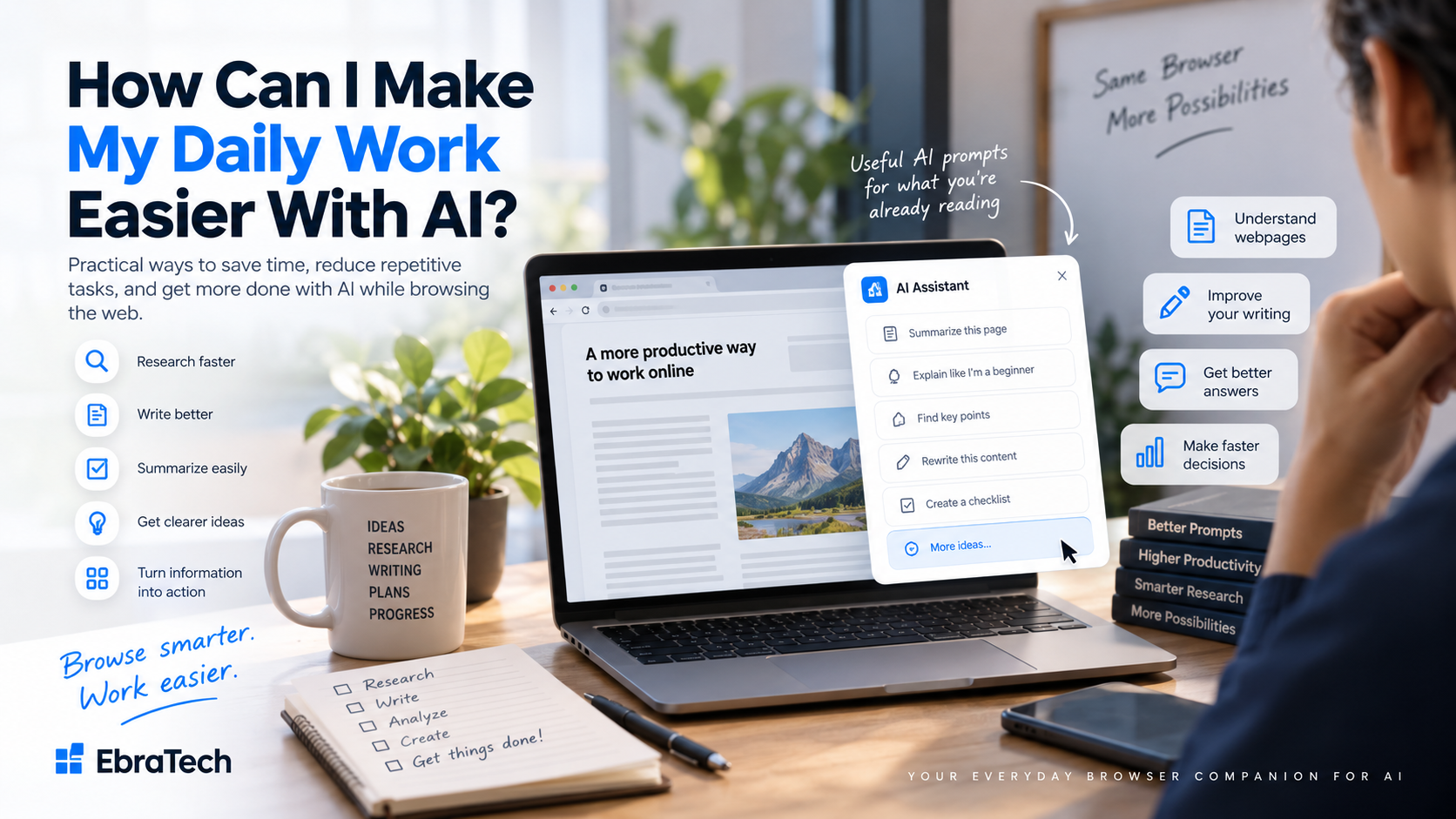
How Can I Make My Daily Work Easier With AI?
Modern AI tools can write, summarize, explain, research, analyze, brainstorm, translate, and help with many other tasks. But there is a problem that is easy to overlook: using AI can sometimes create more work instead of less.
You find something useful on a website. Then you open ChatGPT or another AI tool, copy the information, paste it, write a prompt, wait for the answer, and return to your original work.
The AI itself may be fast. The workflow around it is not always fast.
The real opportunity is not simply to use more AI. It is to make the AI you already use easier to access and easier to apply to the work you are already doing.
This guide explains practical ways to make your daily work easier with AI, including research, writing, browsing, prompt creation, information sharing, and working with multiple AI tools.
Why AI Doesn't Always Make Work Easier
AI can produce an answer in seconds. But getting the right information into the AI can still take several minutes.
Consider a simple example. You are reading an article and find an interesting section. You want AI to explain it.
- Select the text.
- Copy it.
- Open ChatGPT.
- Paste the text.
- Write a prompt.
- Wait for the response.
- Read the answer.
- Return to the original website.
The AI response might take only a few seconds. The surrounding workflow takes much longer.
This is why improving your AI workflow can be just as important as choosing the right AI model.
1. Start With the Tasks You Repeat Every Day
Before looking for new AI tools, look at what you already do.
Ask yourself:
- What do I repeatedly research?
- What do I repeatedly write?
- What information do I repeatedly copy?
- What questions do I repeatedly ask AI?
- What websites do I frequently visit?
- What information do I repeatedly summarize?
- What messages do I repeatedly rewrite?
- What prompts do I repeatedly create?
- What information do I repeatedly compare?
These repeated activities are where AI can have the greatest practical impact.
For example, a developer may repeatedly read documentation. A salesperson may repeatedly research companies. A real estate agent may repeatedly review property listings. A recruiter may repeatedly read candidate information and job descriptions.
The profession changes, but the underlying problem is often similar:
Information is in one place, while the AI you want to use is somewhere else.
2. Use AI Where the Information Already Exists
One of the simplest ways to improve an AI workflow is to reduce unnecessary movement of information.
If you are already reading a webpage, the information you need may already be on your screen.
Instead of thinking, “I need to open an AI tool,” think:
“What do I want AI to do with what I'm looking at?”
That change in thinking can create much better workflows.
For example, while reading a webpage you might want AI to:
- Explain something
- Summarize it
- Rewrite it
- Compare it
- Extract information
- Generate questions
- Create a checklist
- Identify important points
- Prepare a response
- Research a related topic
- Turn information into an actionable task
The browser becomes the starting point for the AI task.
3. Stop Copying and Pasting Everything Into AI
Copying and pasting is not inherently bad. Sometimes it is exactly the right thing to do.
But if you use AI dozens of times a day, repeatedly moving information between your browser and an AI service becomes inefficient.
Imagine researching a company.
You might visit its website, product pages, pricing page, documentation, news articles, reviews, and competitor websites.
Every time you want AI to help, you may need to manually transfer information.
A browser-based AI workflow can reduce this friction.
Instead of treating your browser and AI as completely separate environments, you can use the information you are already viewing as the starting point for your AI task.
4. Use AI With the Webpages You Are Already Reading
A huge amount of professional work happens in the browser.
You might use the web to:
- Research companies
- Read documentation
- Compare products
- Find customers
- Research competitors
- Study a topic
- Read news
- Review job listings
- Research properties
- Read technical discussions
- Find solutions to problems
This makes the browser a natural place for AI assistance.
For example, imagine you are reading technical documentation.
Instead of copying sections into an AI chatbot, you could ask questions such as:
“Explain the main purpose of this documentation and identify the parts I need to understand before implementing it.”
Or:
“What are the most important configuration options described on this page?”
Or:
“Turn the important information on this page into an implementation checklist.”
This kind of workflow is especially useful for developers who spend much of their day researching online.
Read: How Developers Can Use AI While Browsing the Web
5. Make AI Better at Understanding Your Context
One reason AI responses can be disappointing is insufficient context.
A generic prompt might be:
“Explain this.”
A contextual prompt is much more useful:
“Explain this section in simple language, identify the three most important concepts, and give me a practical example.”
The challenge is getting the relevant context into the prompt.
When the context is already on the webpage you are viewing, a browser-based AI workflow can make this process easier.
Instead of starting every interaction with a blank prompt, you can start with:
Current webpage + selected information + task
This gives the AI a better starting point.
6. Use AI to Improve Your Writing
You don't need AI only for creating documents from nothing.
Some of the most useful AI workflows start with text you have already written.
You can ask AI to:
- Correct grammar
- Make writing clearer
- Make a message more professional
- Make a message friendlier
- Shorten a long paragraph
- Expand an idea
- Rewrite a sentence
- Improve an email
- Create a response
- Change the tone
- Translate content
Imagine receiving a client message that requires a professional response.
Instead of opening a separate AI tool, explaining the situation, and manually transferring the relevant text, a browser-based workflow can make it easier to work with the text you're already viewing.
The goal isn't to let AI speak for you. The goal is to make the first draft faster so you can review and personalize it.
7. Use AI to Create Better Prompts
Another common problem is not knowing what to ask AI.
You may know what you want to accomplish but not know the best prompt.
For example, you are reading a product page.
You might ask:
“Is this product worth buying?”
But a better prompt might be:
“Analyze the product information on this page. Identify the main strengths and weaknesses, explain who this product is best suited for, and list the most important questions I should investigate before buying it.”
The second prompt gives AI a much clearer task.
A contextual AI assistant can help users think about possible actions based on what they are currently viewing.
8. Turn Browsing Into an AI Research Workflow
Browsing is often passive.
You open pages, read information, move to another page, and continue searching.
AI can make this process more interactive.
Traditional research:
Search ? Open page ? Read ? Search again ? Open another page ? Take notes ? Compare
AI-assisted research:
Search ? Open page ? Ask AI ? Understand ? Compare ? Identify next question ? Continue research
AI shouldn't replace the original sources.
Instead, it can help you understand and organize what you find.
For important information, especially technical, financial, legal, medical, or security-related information, you should still verify important claims using authoritative sources.
AI is most useful as an assistant to your research process—not as an automatic replacement for judgment.
9. Use AI to Turn Information Into Actions
Reading information is only one part of the job.
The more useful question is:
“What should I do with this information?”
For example, after reading documentation you could ask:
“Create a step-by-step implementation checklist based on this documentation.”
After researching a competitor:
“Identify the main features, target customers, pricing model, and possible competitive advantages described on this page.”
After reading a job description:
“Extract the key requirements and create a checklist of skills I should demonstrate in my application.”
After reading a product page:
“Create a comparison checklist I can use to evaluate this product against alternatives.”
AI becomes more valuable when it transforms information into something actionable.
10. Make Sharing Information With AI Easier
Sometimes you don't need a complicated AI workflow. You simply want to send something to AI.
That might be:
- A link
- A webpage
- Selected text
- A paragraph
- A product page
- A technical article
- A job listing
- A property listing
The easier this is, the easier it becomes to use AI naturally throughout your day.
Instead of:
Find ? copy ? switch ? paste ? prompt
you want something closer to:
Find ? share/use context ? ask AI
This is particularly valuable for people who use AI frequently.
11. Use Your Preferred AI Instead of Starting Over
You may already have an AI service you like.
You may use different AI services for different tasks.
You don't necessarily need another AI model.
What you may need is a better way to work with the AI tools you already use.
A useful browser workflow should therefore complement your existing AI services rather than forcing you to abandon them.
The goal isn't to replace the tools you already trust. It is to make your workflow around them easier.
12. Real Estate Agents: A Practical Example
Consider a real estate agent.
A typical workday may involve:
- Looking at property listings
- Researching neighborhoods
- Reading property descriptions
- Comparing properties
- Responding to clients
- Preparing messages
- Researching potential buyers
- Researching competitors
- Reviewing market information
AI can assist with many of these tasks.
Researching a property
While viewing a property listing, an agent could ask AI:
“Summarize the most important information about this property.”
Or:
“Identify questions I should ask the seller based on this listing.”
Or:
“Turn the property information into a short client-friendly summary.”
Preparing a client response
Suppose a client asks a question about a property. The agent can use the available property information as context and ask AI to prepare a professional response.
The agent still reviews the message before sending it.
Comparing properties
An agent can also use AI to organize information from multiple listings and identify differences that deserve further investigation.
The advantage isn't simply “AI for real estate.”
The advantage is reducing the friction between:
Property research ? Information ? AI ? Useful output
This is where browser-based AI assistance becomes particularly useful.
13. Developers: Another Practical Example
Developers are another group that can benefit significantly from browser-based AI workflows.
A developer may spend hours browsing:
- API documentation
- Framework documentation
- GitHub
- Stack Overflow
- Tutorials
- Error explanations
- Security documentation
- Database documentation
- Cloud documentation
Instead of only asking AI to generate code, developers can use AI to understand the information they are already researching.
For example:
“Explain this API documentation and identify the authentication steps.”
Or:
“Analyze this GitHub issue and summarize the confirmed solution.”
Or:
“Explain why this Stack Overflow solution works and identify possible limitations.”
Or:
“Compare the two approaches described here and explain the trade-offs.”
EbraTech's existing developer guide goes much deeper into these workflows.
Read: How Developers Can Use AI While Browsing the Web
14. Don't Automate Everything
Making work easier with AI does not mean allowing AI to make every decision.
There are tasks where human judgment remains essential.
- Important business decisions
- Security decisions
- Financial decisions
- Legal decisions
- Sensitive communications
- Production software changes
- Confidential information
AI can help you understand information and prepare work, but you should review important outputs before relying on them.
A good workflow is:
Find ? Understand ? Ask AI ? Review ? Verify ? Act
Not:
Find ? AI ? Automatically trust ? Act
15. Be Careful With Sensitive Information
Before sending information to an AI service, understand what information you are sharing and how the service handles it.
Avoid casually sending:
- Passwords
- API keys
- Private tokens
- Financial credentials
- Confidential customer information
- Private company information
- Sensitive personal information
- Production secrets
If you work for an organization, follow its security policies.
Convenience should never come at the cost of unnecessary exposure of sensitive information.
16. A Simple AI Workflow You Can Start Today
You don't need to completely redesign your workday.
Start with one repetitive task.
Step 1: Identify a repetitive task
For example:
“I constantly read webpages and then ask AI to summarize them.”
Step 2: Define the desired result
Maybe you want:
“A five-point summary and three important follow-up questions.”
Step 3: Create a reusable prompt
For example:
“Summarize the important information on this page in five bullet points and give me three questions I should investigate next.”
Step 4: Reduce unnecessary steps
Instead of repeatedly copying and pasting information into AI, look for a browser-based workflow that can help you work from the content you're already viewing.
Step 5: Review the result
Make sure the AI output actually answers your question.
Step 6: Improve the workflow
If you perform the task frequently, save and reuse the prompt.
Over time, small workflow improvements can become significant productivity improvements.
17. Where AI Secretary Fits
AI Secretary by EbraTech is designed around a simple idea: AI should be easier to use while you are already working online.
AI Secretary is a browser productivity assistant that helps you work with browser context, selected text, open tabs, context files, AI services, web tools, communication services, and custom actions from one compact workspace.
For example, you can select information from a webpage and use it as context for AI-powered tasks such as summarizing, explaining, analyzing, comparing, rewriting, researching, and extracting information.
You can also create reusable custom actions for tasks you perform frequently, use web tools for translation, search, research, maps, calculations, and language-related tasks, and create custom website shortcuts using URL templates.
AI Secretary can also help prepare and share information through web-based communication workflows while keeping you in control of the final recipient and sending action.
If you want to explore these capabilities, visit the AI Secretary product page to learn more.
18. You Don't Need to Become an AI Expert
One of the biggest misconceptions about AI productivity is that you need to become an expert prompt engineer.
You don't.
You need to understand three things:
What information do I have?
For example: a webpage, product listing, documentation page, message, or article.
What do I want to accomplish?
For example: understand, summarize, compare, rewrite, research, or create.
What should the final result look like?
For example: a summary, email, checklist, comparison, explanation, or action plan.
Once you understand those three things, creating useful AI workflows becomes much easier.
19. The Future of Everyday AI Work
AI is moving from being something people open when they have a question toward becoming something that can assist them throughout their normal workflows.
That doesn't necessarily mean AI needs to take control.
In many cases, the most useful future is much simpler.
You are reading something. AI helps you understand it.
You are writing something. AI helps you improve it.
You are researching something. AI helps you organize it.
You find something useful. AI helps you work with it.
You have a question. AI helps you formulate it.
The browser is increasingly becoming the place where these activities happen, making browser-based AI assistance a natural part of everyday work.
20. The Real Goal: Less Friction, Not More AI
The purpose of AI productivity isn't to add another tool to your day.
It is to remove unnecessary steps.
If you spend five minutes every time you need to transfer information into an AI tool, improving that workflow can be more valuable than finding a model that answers two seconds faster.
If you repeatedly write the same prompts, saving them can help.
If you repeatedly research webpages, connecting your research workflow with AI can help.
If you repeatedly rewrite messages, making AI available during the writing process can help.
If you use multiple AI services, making them easier to access can help.
The best AI workflow is the one that fits naturally into the way you already work.
Frequently Asked Questions
How can AI make my daily work easier?
AI can help with repetitive tasks such as research, summarization, writing, rewriting, brainstorming, information extraction, comparisons, and creating first drafts. The biggest productivity gains often come from reducing the manual steps around using AI.
How can I use AI without constantly switching tabs?
A browser-based AI assistant can bring AI-related actions closer to the webpage you are already working on. This can reduce the need to repeatedly switch between websites and AI applications.
How can I use AI with a webpage?
You can use AI to summarize, explain, analyze, rewrite, compare, research, or extract information from webpage content. A contextual browser AI workflow can make it easier to create prompts based on the page you are viewing.
How can I stop copying and pasting everything into AI?
Look for an AI workflow that can work with webpage context or selected text. This can reduce the number of times you manually transfer information from your browser into an AI service.
Can I use multiple AI tools in one workflow?
Yes. Different AI services can be useful for different tasks. A browser-based workflow can make it easier to prepare relevant context and prompts without rebuilding the workflow from scratch every time.
Do I need to replace my current AI tool?
No. A browser AI assistant can complement the AI services you already use rather than requiring you to replace them.
Is AI useful for professional work?
Yes. AI can assist professionals with research, writing, communication, information analysis, documentation, product research, competitor research, and many other repetitive tasks.
Is an AI browser assistant useful for developers?
It can be particularly useful for developers who frequently browse documentation, GitHub, Stack Overflow, API references, tutorials, and technical resources.
Read: How Developers Can Use AI While Browsing the Web
Is an AI browser assistant useful for real estate agents?
Yes. Real estate agents can use AI while researching listings, preparing client communication, analyzing property information, comparing properties, and performing other research-heavy tasks.
Should I trust everything AI tells me?
No. Important information should be verified, particularly for technical, financial, legal, medical, security, or business-critical decisions.
Final Thoughts
AI doesn't need to completely change the way you work to be useful.
In many cases, the biggest improvement comes from making small repetitive tasks easier.
Instead of constantly moving information between your browser and AI, you can build workflows that connect the information you are already viewing with the AI assistance you need.
Instead of starting every prompt from a blank screen, you can use the context of your current work.
Instead of using AI only when you have a big task, you can use it for small everyday activities that consume time.
The goal isn't simply to use more AI.
The goal is to make the AI you already use more useful, accessible, and natural within your everyday workflow.
If that is the kind of workflow you are looking for, explore AI Secretary by EbraTech and see how it can fit into the way you already work online.
And that is where browser-based AI assistance can make a difference.